











Mouse CursorExtension
ExtensionCursor trails

Custom cursor extension for Chrome

Mouse Cursor

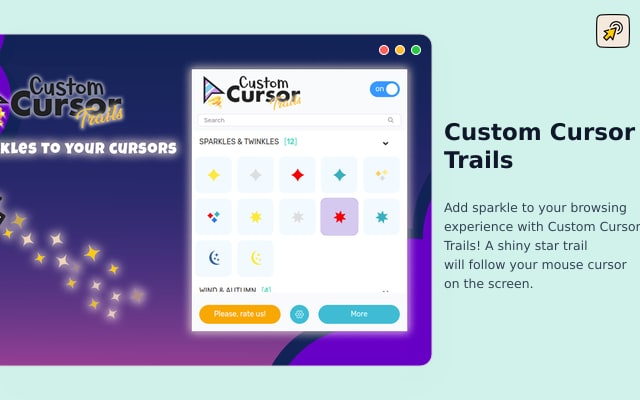
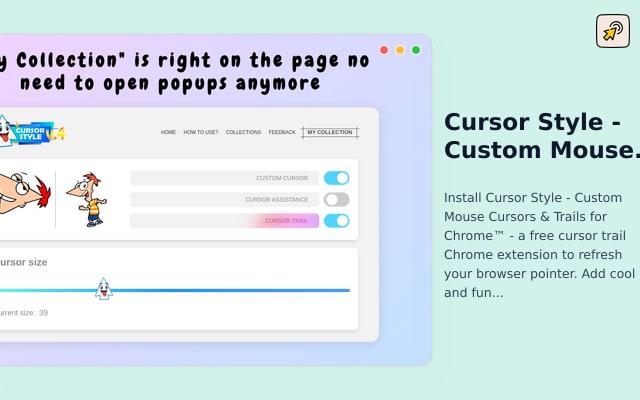
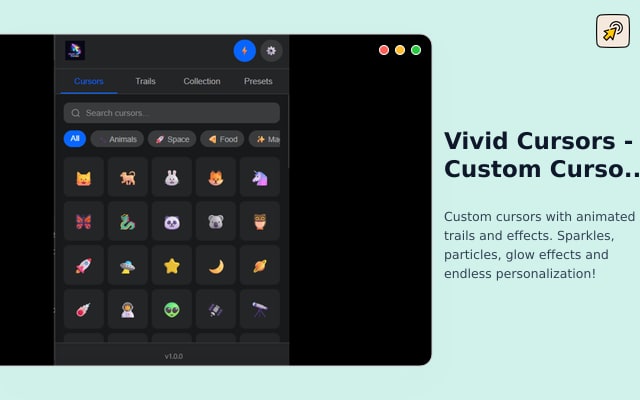
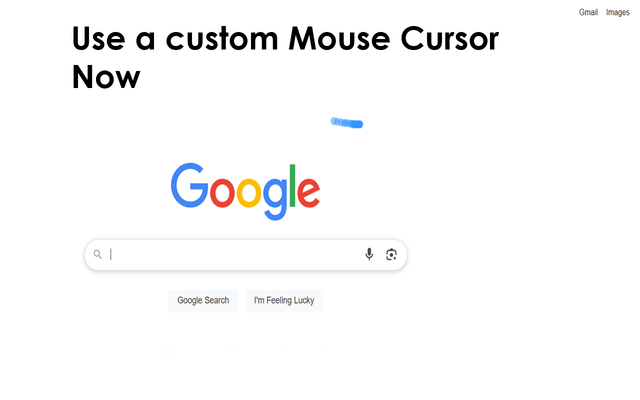
Install Mouse Cursor - a free cursor trail Chrome extension to refresh your browser pointer. Adds a subtle, fading cursor trail to your mouse pointer on every web...

About this extension

The Chrome Web Store describes Mouse Cursor as a pick for animated pointer trails: adds a subtle, fading cursor trail to your mouse pointer on every website. Pick a trail, browse as usual, and the motion follows the cursor until you switch it off. Handy when you want browsing to feel less stock and more personal. I would try one pack first instead of cycling through ten on day one.

How to install

Three steps - and the boring arrow is history.

1

Pick an extension below

Dig through our free cursor catalog - cute, gaming, neon, weird, or all of the above. Pick a pack that matches your mood, not your IT department.

2

Click Install on Chrome Web Store

Add Custom Cursor Helper to Chrome in one click. No twelve-step tutorial, no account required, no «please upgrade to Pro» popup mid-install.

3

Pin the extension and choose a cursor pack

Choose your favorite pack and apply it anywhere on the web in seconds. Switch again tomorrow. Or in five minutes. We do not judge pointer commitment issues.

Similar extensions

More Chrome extensions in the same category.

Browse Cursor trails

Need cursor packs too?

Browse hundreds of free packs and apply them through your installed extension.